
How To: Create a Transaction in SuperPortal
All transactions are now managed in the SuperPortal at app.bramlettpartners.com. RealScale is no longer in use.
To create a new transaction:
- Log in to the SuperPortal at app.bramlettpartners.com
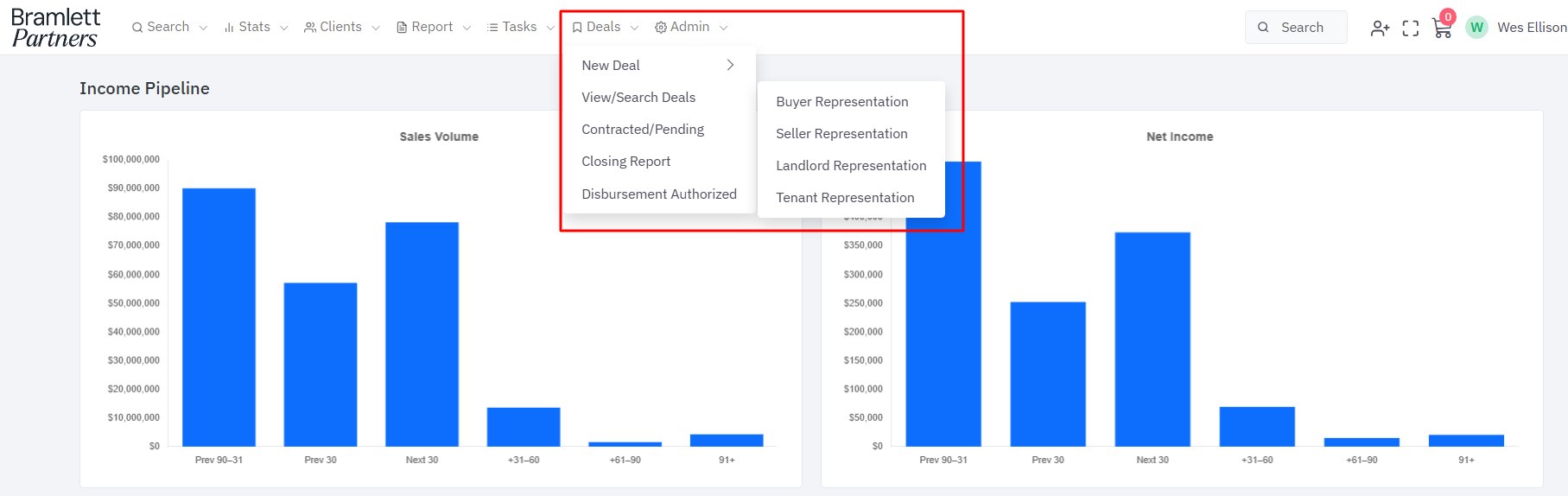
- Navigate to the Deals tab
-
Click 'New Transaction' and select the representation type (buyer rep, seller rep, lease, referral, etc.)
-
Enter all required property details — an MLS ID is now required for on-market properties
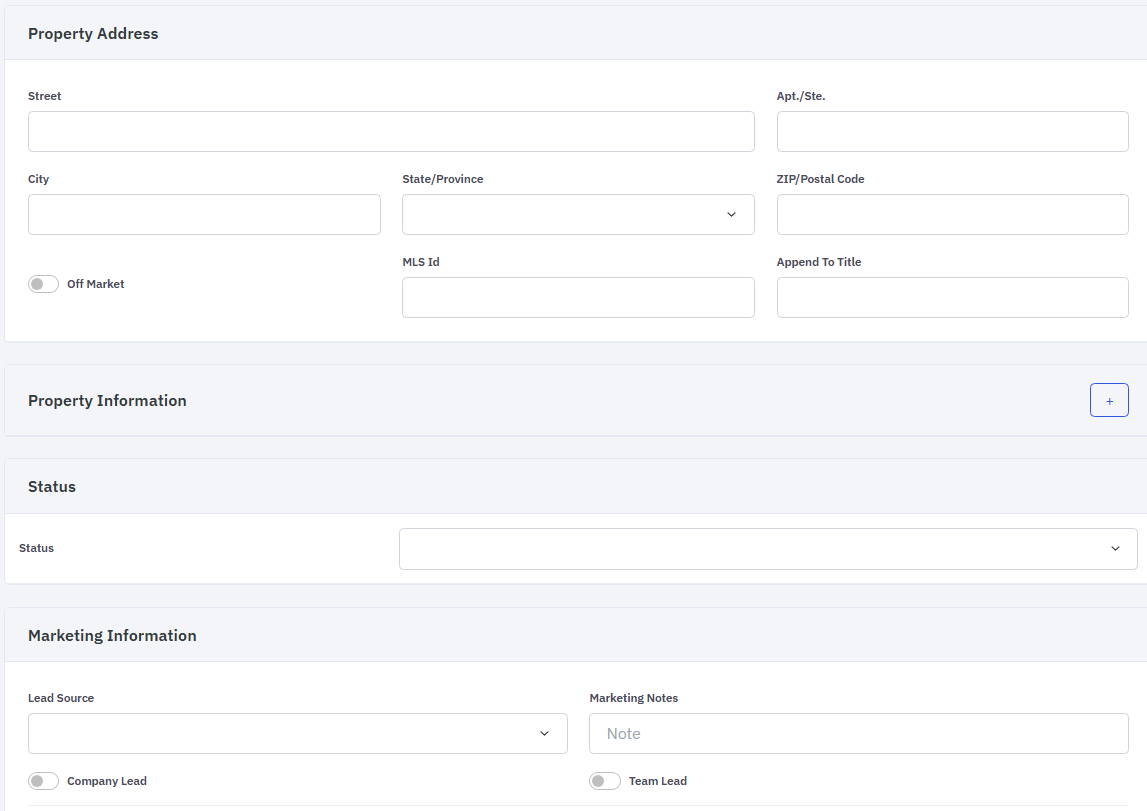
- Add team members, parties, financials, and fees as applicable
-
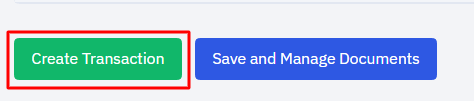
Click 'Create Transaction' to finalize
For questions, contact the Support Team at support@bramres.com.